
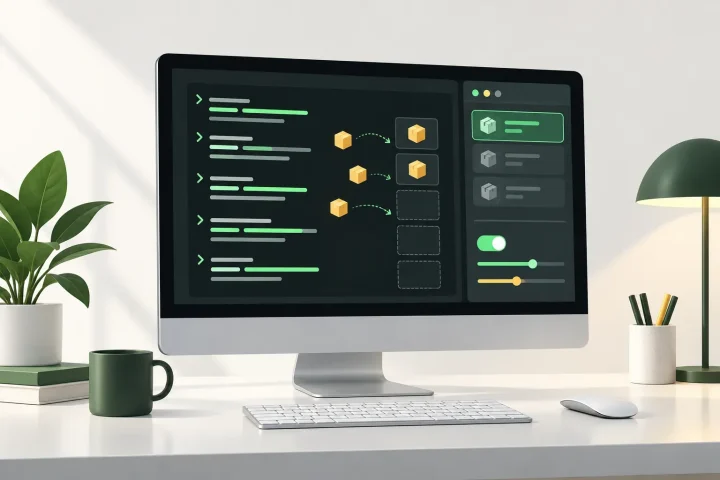
AI-generated editorial illustration; not a documentary photograph.
A Lifehacker guide published on September 22, 2026 explains how Mac users can manage software through Homebrew 7.0.0 or newer. The tutorial covers Homebrew's graphical app alongside Terminal commands for installing, inspecting, updating and maintaining packages; it is an explanation of existing capabilities rather than a newly announced release.
GUI for routine package management
Homebrew's Mac app provides sections for installed software, available updates, installation problems and settings. Its Discover view can search Homebrew's catalog and initiate installations, giving users an alternative to entering every operation in Terminal. The Doctor section checks for deprecated or unsupported packages and configuration problems; the command-line equivalent is `brew dr`.
Inspect changes before applying them
For users remaining in Terminal, `brew list` displays software managed by Homebrew, while `brew outdated` identifies packages awaiting updates. `brew upgrade` updates managed packages together, and adding `–dry-run` to an installation or update command previews the planned package changes without carrying them out.
Output can be reduced by appending `-q` to a command or expanded with `-v`. The guide also describes adopting a supported app that was installed separately, allowing Homebrew to manage it thereafter, although adoption depends on the app being available through Homebrew.
Control storage and updates
The `brew cleanup` command removes accumulated old package versions and cached downloads without deleting installed applications. Users can also create aliases for frequently entered commands, inspect those aliases with `brew alias`, and remove one with `brew unalias` followed by its assigned name.
Homebrew can prevent a specific package from receiving upgrades through `brew pin APPNAME`, with `brew unpin APPNAME` restoring updates later. This does not necessarily stop an application from using its own built-in updater, so that separate behavior may also need to be disabled within the app.
Source: 10 'Homebrew' Hacks Every Mac Power User Should Know
 SIGNAL TITANS
Leave a Reply