
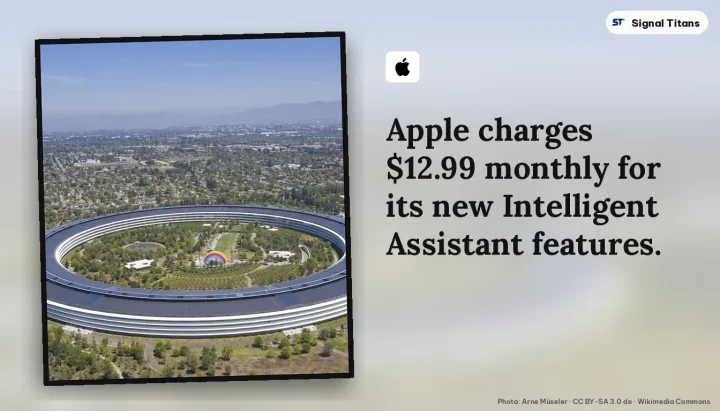
Apple has officially rolled out a major update to its productivity suite, introducing an "Intelligent Assistant" feature in beta to Keynote, Numbers, and Pages. According to reports, the rollout follows a temporary removal and subsequent return of the applications to the App Store, bringing advanced generative capabilities to subscribers of Apple Creator Studio.
AI-Powered Capabilities Across the iWork Suite
The newly integrated Intelligent Assistant provides distinct toolsets tailored to each application within the suite. In Numbers, the assistant helps users build and generate formulas using natural language, visualize data sets, and construct tables. Meanwhile, the Pages assistant can initiate first drafts, edit and organize text, alter the tone of writing, and generate custom shapes or images through natural language prompts.
For presentations, Keynote leverages the assistant to build and refine slide decks, incorporate animations, generate presenter notes, and create visual elements. Across all three applications, the Intelligent Assistant can also search the web for topic-specific information to seamlessly incorporate into documents, while offering guided walkthroughs of advanced features and contextual suggestions.
Subscription Pricing and Creator Studio Integration
While the base versions of Keynote, Numbers, and Pages remain free for all users, the advanced AI capabilities and premium resources require an active Apple Creator Studio subscription, priced at $12.99 per month. Official documentation highlights that the subscription also extends intelligence features built on Apple Intelligence across broader creator workflows, including Final Cut Pro, Logic Pro, and Pixelmator Pro.
Subscribers gain access to additional perks through the Content Hub, which features curated videos, high-quality media, photos, illustrations, and new design templates and themes. Unsubscribed users retain access to standard document editing functions, though they cannot generate new content or edits utilizing the paid AI features once a subscription lapses.
General Enhancements and Undocumented Additions
Alongside the headline AI additions, the update delivers standard bug fixes and performance improvements for all users. Keynote specifically receives a new Interchange Format designed to streamline the import and export of presentations. Furthermore, user reports indicate that the update discreetly introduces iPhone Duo support across all three applications, an addition omitted from the official release notes.
What the Intelligent Assistant Shift Means for Office Productivity
The integration of generative artificial intelligence natively into foundational office tools like Keynote, Numbers, and Pages marks a strategic evolution in desktop and mobile productivity software. Rather than treating AI as an external chatbot or a separate browser-based interface, Apple is embedding intelligent collaborators directly into the document-creation workflow. This approach shifts traditional software from a passive canvas into an active participant capable of drafting text, computing data models, and structuring layouts based on conversational prompts. For everyday professionals, students, and creators, this significantly lowers the friction required to transition from a blank page to a polished presentation or data sheet. However, gating these advanced capabilities behind the $12.99 monthly Apple Creator Studio subscription establishes a clear tiered structure, separating baseline utility from premium automated workflows. This economic model suggests that advanced productivity assistance will increasingly operate as a recurring cloud-augmented service rather than a static feature of operating system upgrades, profoundly reshaping user expectations for standard office software suites moving forward.
Cover: Arne Müseler · CC BY-SA 3.0 de · Wikimedia Commons. Layout and headline text by Signal Titans. Logo: Apple, via Wikimedia Commons (Public domain).
Source: Apple's iWork Apps Get 'Intelligent Assistant' and iPhone Duo Support · Apple Creator Studio – Apple
 SIGNAL TITANS
Leave a Reply